
Skip to content
TechReady

The enterprise operating system for AI

Judges accurately from internal knowledge, calls business systems directly, and carries work through safely with approval from the owner.Runs the same way in the cloud or fully on-premise.

Positioning

Beyond individual AI use, to rebuild the whole workflow

Most enterprise AI adoption has meant individual feature improvements for a single task.It can lift that task's productivity for a while, but it rarely spreads into company-wide adoption.

ReadyOS builds a structured infrastructure on three pillars — Knowledge, Execution and Operations.Whatever the domain, it scales reliably within the same standardized framework.

Knowledge · Execution · Operations layers

01

KNOWLEDGE

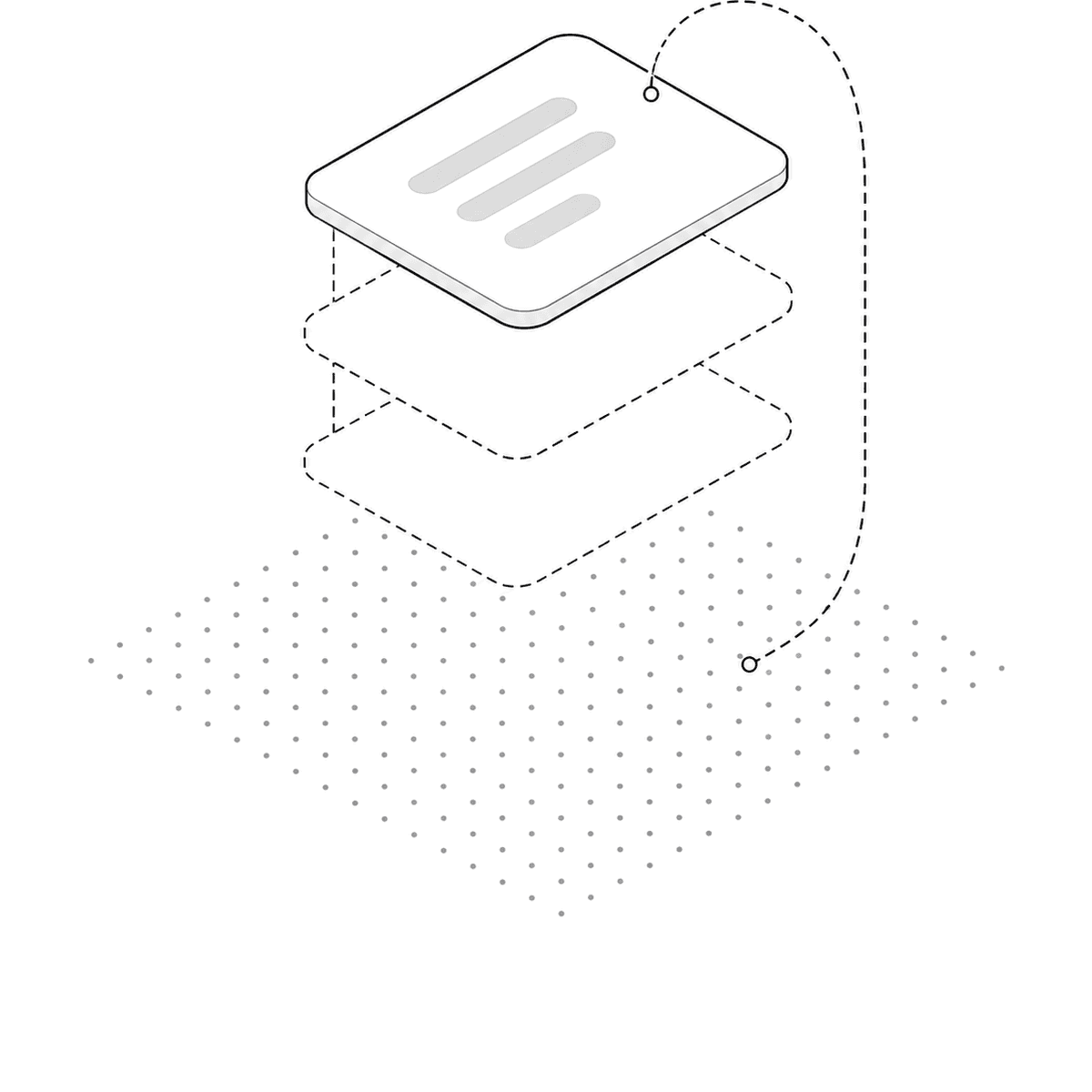
Isometric illustration: document planes stacked over a dotted field, with a path looping back down when evidence falls short

Finds the right document and leaves the evidence with the answer.

Context Builder · Agent Orchestrator · Model Gateway · Action Control · MCP/API integration

  • Reads policies, manuals and meeting notes in their work context
  • Combines keyword and semantic retrieval to narrow the result
  • Checks candidates again and selects the evidence used in the answer
  • Returns the source document and location with the answer
  • Excludes documents outside the reader's access at retrieval time

An answer that can't show its source can't be used to make a decision.
02

EXECUTION

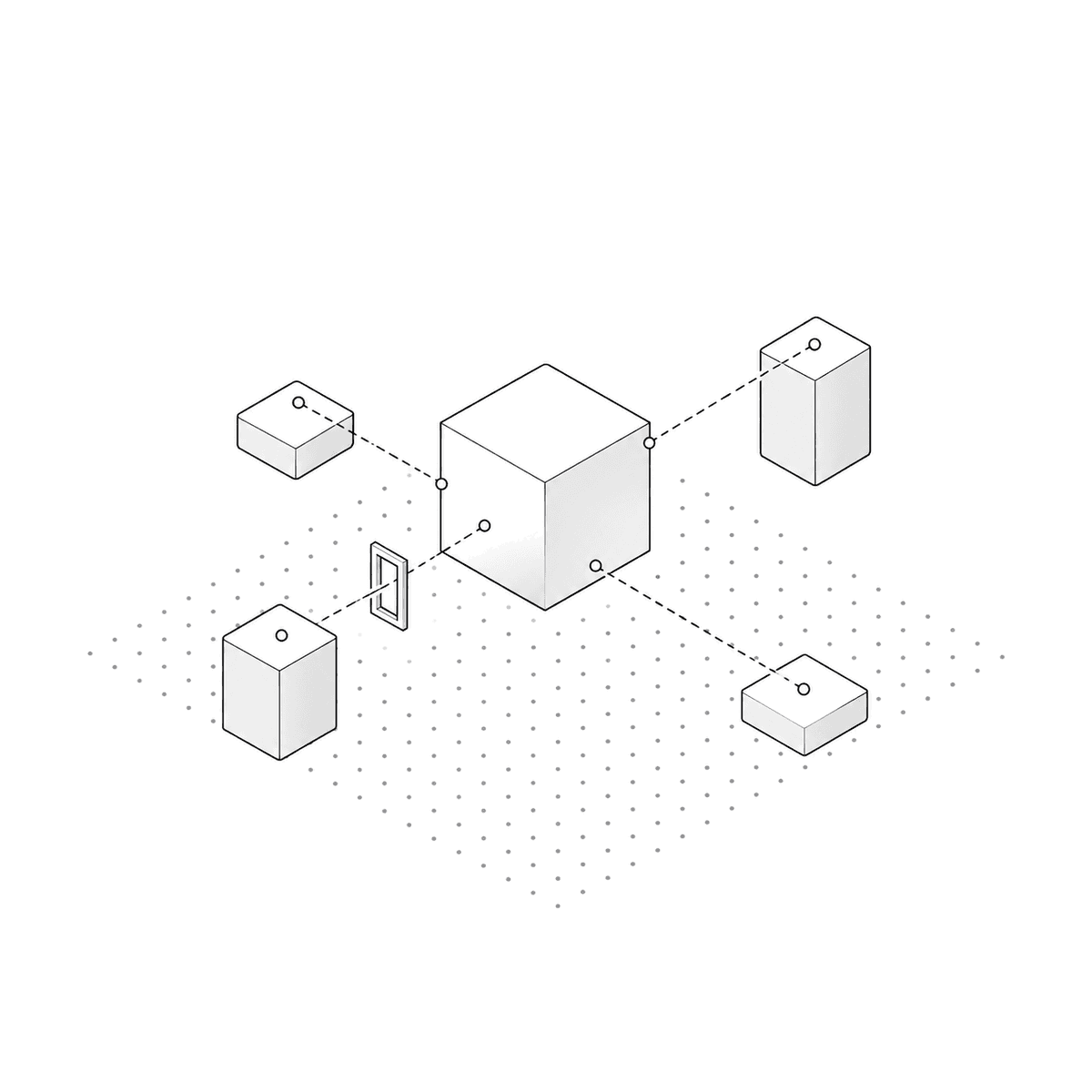
Isometric illustration: a central block linked by dashed lines to surrounding tool and system blocks, one path passing through a narrow approval gate

Connects the answer to the work, then stops before an approval is needed.

Planning · tool calls · MCP · system connectors · approval gate · scoped agents · execution limits

  • Sets the next step around the work and the person's access
  • Checks the information needed in business systems and internal tools
  • Changes the conditions and checks again when evidence is insufficient
  • Runs changes and writes only after approval

If someone must go back into a system after reading the answer, the work has not moved.

03

OPERATIONS

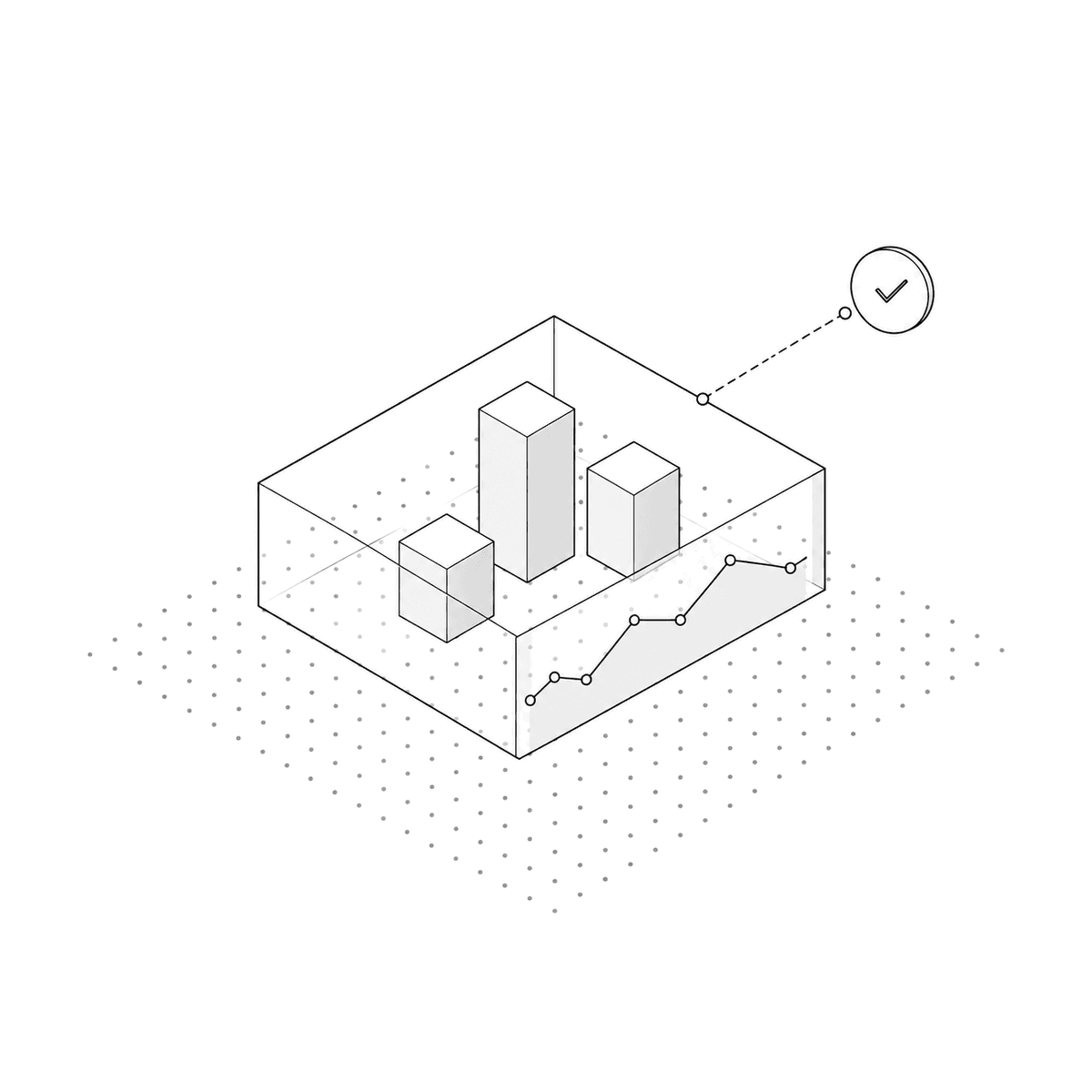
Isometric illustration: several blocks gathered inside one transparent boundary, a monitoring line chart running along the front wall

Keeps the evidence, actions and cost of each run visible.

Auth · RBAC · PII masking · model & tool policy · evidence-based audit log · cost & latency monitoring · quality & anomaly checks

  • Sets models and execution limits by type of work
  • Runs with the keys and environment the company chooses
  • Records each step, document read, tool called and approver
  • Sets usage limits per team and per task

Automation without control and history is hard to trust in operation.

What happens to a single request

Once a request comes in, the AI builds an optimal, step-by-step plan — searching documents, connecting to systems, calling tools.If information is thin, it autonomously changes conditions and searches again, and any task that changes data goes through the owner's approval first for safe execution.When it's done, it lays out the reference documents and connected system records behind its judgment.

READYOS · EXECUTION TRACERUNNINGAWAITING APPROVALCOMPLETE01 · REQUESTRequest02 · PLANPlanNew conditions03 · RETRIEVE / CALLDocument search · citationDoneBusiness system queryInsufficientDoneInternal tool call (MCP)DoneRETRYRe-query with changed conditions when thin04 · APPROVEApprovalwrites onlyAWAITINGAPPROVED05 · RESPONDResponse+ sources · calls madeA request arrivesA plan is drawn up and each lookup is decidedIf the result is insufficient, conditions change and it queries againAnything that writes runs only after approvalThe answer carries its sources and the calls it made010203RETRY0405

Every process runs in its own independent worker, so in-flight work survives system restarts and deploys.

Models

Fits on-premise and SaaS environments alike

We match the environment to each customer's security requirements, budget and technical infrastructure.

  • On-premise: Deploys inside a network with restricted outbound access, connected to internal data and a secure sLLM. Approved external LLM calls run through a controlled gateway
  • SaaS: No dedicated technical staff or complex infrastructure setup — live the moment it's turned on
  • Routes each task to commercial APIs or local LLMs automatically, weighing cost, speed and data sensitivity
  • Falls back to an equally capable model when a call fails, so work keeps moving

GPT · Gemini · Claude · vLLM-based sLLM

Connections

Extends AI into the work without touching the systems already there

Connects internal tools over MCP (Model Context Protocol) and manages exactly what the AI can do with them.

  • Newly registered tools are blocked by default; only approved actions run
  • Core systems — ERP, MES, QMS — connect read-only
  • Anything that changes a system value runs only after a person reviews and approves it

MCP · ERP · MES · QMS · groupware · internal wiki · document stores

Security

Security infrastructure that blocks corporate data from ever leaving

Secure deployment

Runs on-premise or in a private cloud, keeping every outbound data path under your control.

Independent key management

Uses the customer's own API keys, with no vendor lock-in and the freedom to move to an internal secure sLLM.

Precise access control

Sets allow, block and approval policy per tool, with every newly registered tool starting blocked by default.

Data access isolation

Enforces role-based access control (RBAC) and PII masking, with per-organization read permissions applied from the retrieval step itself.

Transparent audit log

Records every detail without gaps — the reasoning behind each AI decision, the execution audit log, cost, and processing delay.

Rollout

Proven first, then scaled in stages

Instead of a high-risk, company-wide rollout, we validate one core unit of work first, then expand across the organization in stages.

01ScopingWhat happensChoose the work, confirm where the data lives and how to reach itOutputScope definition
02KnowledgeWhat happensCollect and index documents, build the vocabularyOutputRetrieval quality report
03ConnectionWhat happensConnect business systems and internal tools, read-only firstOutputIntegration spec, access policy
04Agent designWhat happensBuild agents per task, set approval rules and execution limitsOutputAgent configuration
05HandoverWhat happensTrain the team, hand over edit rightsOutputOperating guide, console accounts

USECASE

한국남동발전(KCEN)
ReadyTalk

Right now,let's start the conversation

Request a consultation