
Skip to content
TechReady

You already have the AI's answer.
But are you still the one finishing the work?

From answering questionsto finishing the work

ReadyOS connects your internal knowledge and business systems, then carries approved work through.

ReadyOS

The enterprise AI operating system

Most enterprise AI adoption never turns into real efficiency, because execution is missing.The real work isn't picking an AI model — it's redesigning processes, connecting data, and building a strong operating system.

ReadyOS connects internal knowledge, business systems and approved action.

Knowledge · Execution · Operations layers

01

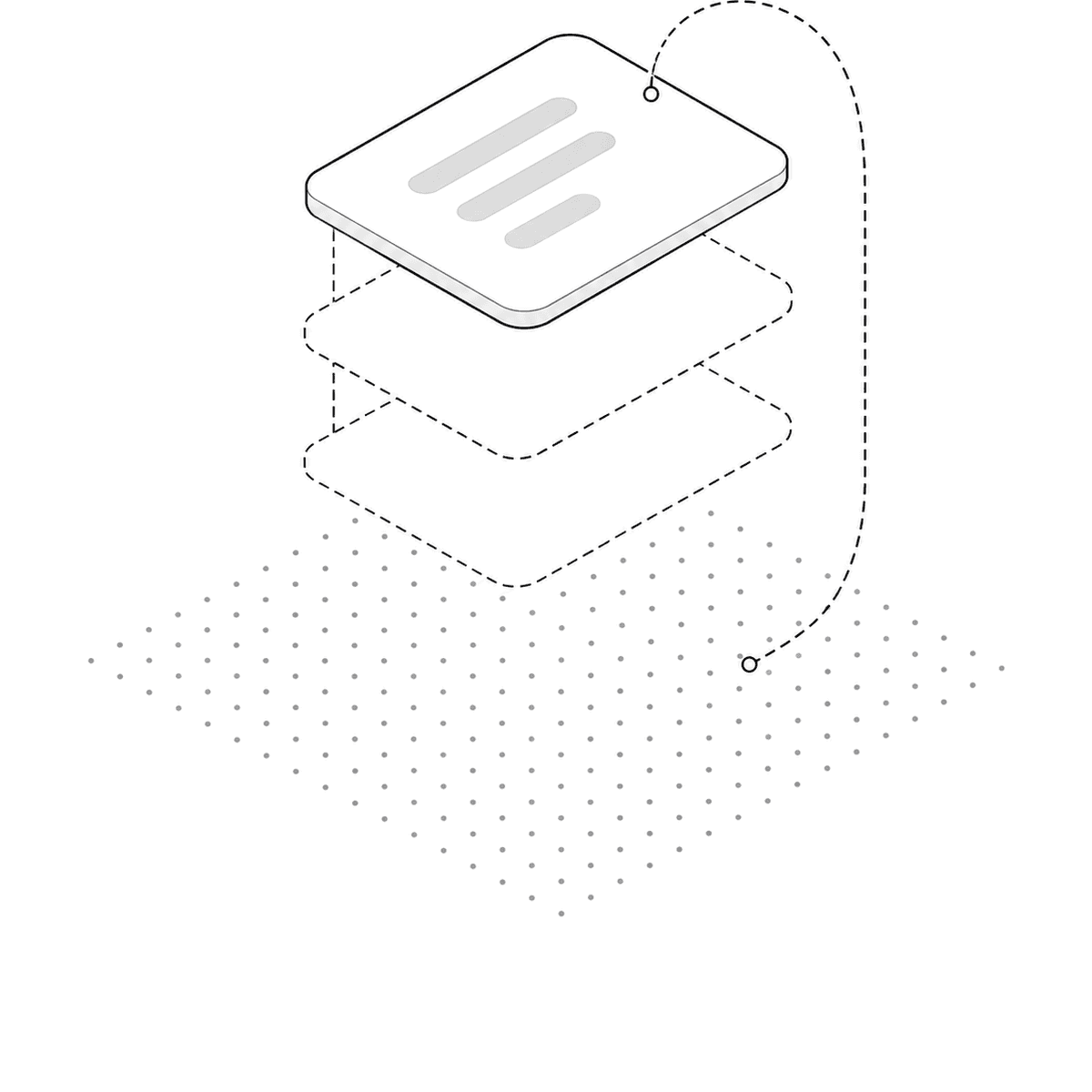
Isometric illustration: document planes stacked over a dotted field, with a path looping back down when evidence falls short

Finds the right document and leaves the evidence with the answer.

Context Builder · Agent Orchestrator · Model Gateway · Action Control · MCP/API integration

  • Hybrid search: combines keyword and semantic search to minimize missed information
  • Autonomous re-search: rewrites the question itself and searches again when evidence falls short
  • Transparent sourcing: every answer comes with its reference document and exact citation location
02

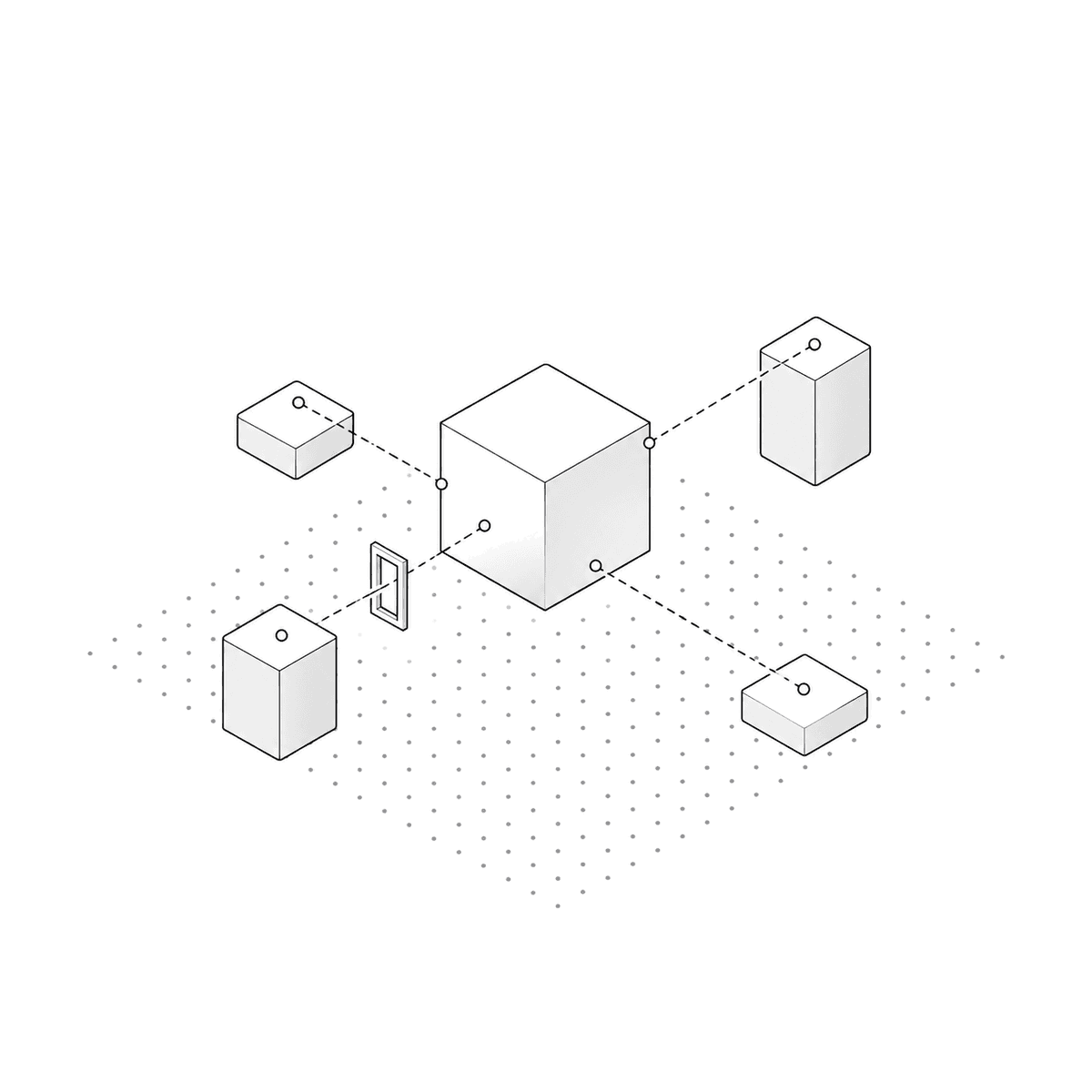
Isometric illustration: a central block linked by dashed lines to surrounding tool and system blocks, one path passing through a narrow approval gate

Connects the answer to the work, then stops before an approval is needed.

(Uses the same integration structure as the Knowledge layer)

  • Direct system calls: connects and calls core internal systems and tools like ERP, e-approval and support desks
  • Policy-based safe execution: runs within each tool's allow, restrict and approval policy, and manages exceptions
  • Approval workflow: major actions that change data go through the owner's final approval
03

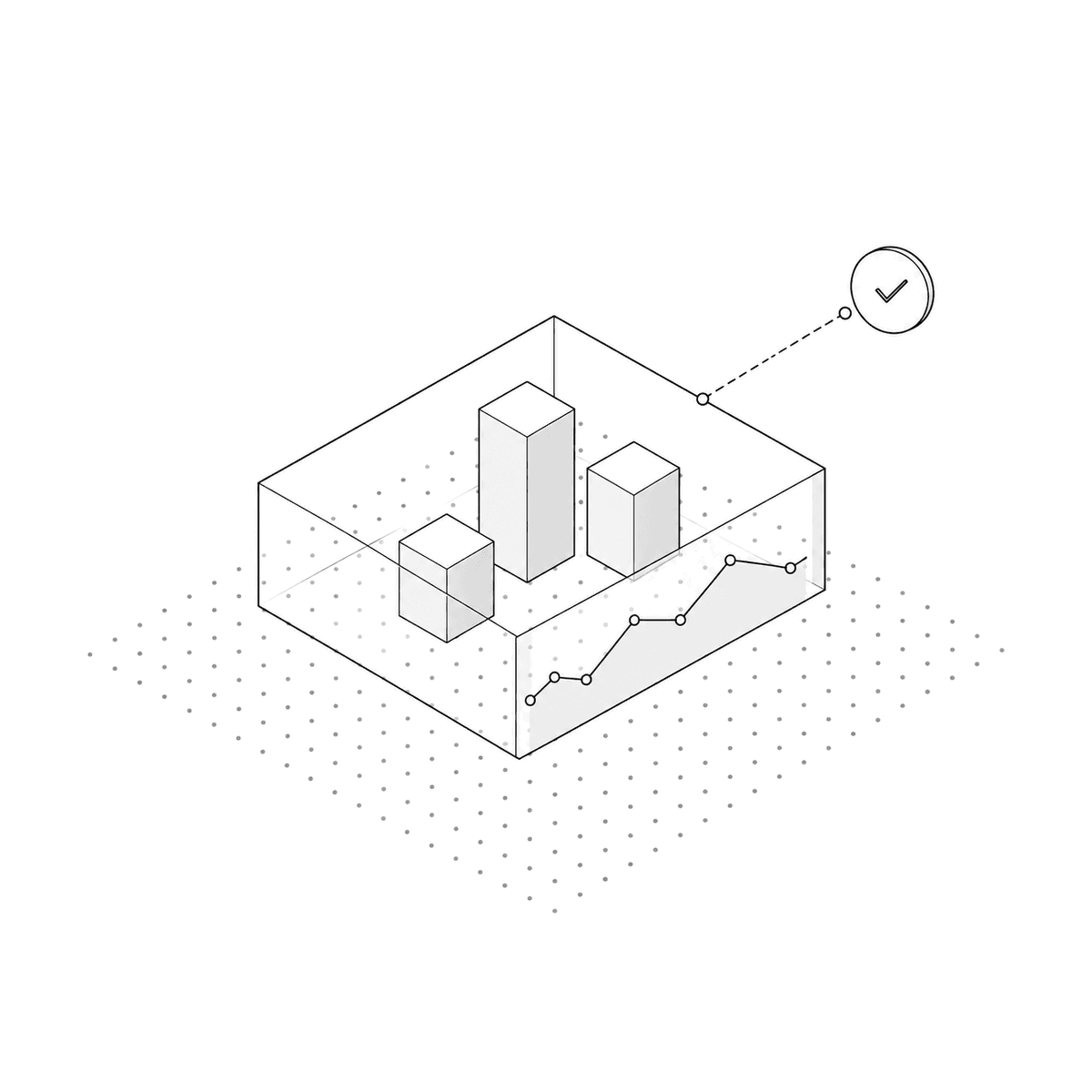
Isometric illustration: several blocks gathered inside one transparent boundary, a monitoring line chart running along the front wall

Keeps the evidence, actions and cost of each run visible.

Auth · RBAC · PII masking · model & tool policy · audit log · cost & latency monitoring

  • Intelligent routing: automatically routes between commercial APIs and a local sLLM based on cost, speed and security sensitivity
  • Flexible environment and key management: uses the customer's own API keys, and supports on-premise and SaaS alike
  • Transparent monitoring & audit: records AI reasoning, execution audit logs, cost and latency for every case

Agentic Operations

Recurring work, connected.

Whatever the industry, the work is the same at its core — ask, find, confirm, act.We connect the fragmented steps into one, so automation actually works.

See all four
  • Real-time customer support (CS)

    • Integrated lookup: reads customer data and official guidance together, and answers with clear evidence
    • Safe handoff: when confidence is low, hands off to an agent immediately with the conversation and backing data attached
  • Internal knowledge

    • Unified search & sourcing: searches across every store at once, and shows the source document and exact location behind each answer
    • Access control: documents a person isn't permitted to read are excluded from search results entirely
  • Manufacturing

    • Root-cause tracing: connects directly to ERP, MES and QMS to narrow down defects by period and line
    • Controlled execution: any action that changes data or controls a system runs only after the owner's approval
  • Construction

    • Cross-validation: cross-checks drawings, specs, schedules and daily reports to catch conflicts between documents early
    • Priority checklist: surfaces what must be checked first at the current stage

Delivery

From disciplined build to stable handover

We diagnose your scope and data environment upfront, then build fast and systematically — without unnecessary cost.

DocsRecordsLogsFieldERPInternal toolsKnowledgeSupportManufacturingConstructionOperations
  1. Confirm the target work, where its data lives, and how to reach it

  2. Connect business systems and internal tools, read-only first

  3. Index the documents, and organize the vocabulary and standards

  4. Set the process flow, tool permissions and approval rules for each task

  5. Leave it in a state your team can change

Right now,let's start the conversation

Request a consultation